Turn your images into motion
104 animated templates: 3D carousels, infinite galleries, kinetic sculptures and liquid glass. Drop in your photos and export in seconds.
Works in your browser · Nothing to install · Your images never leave your device
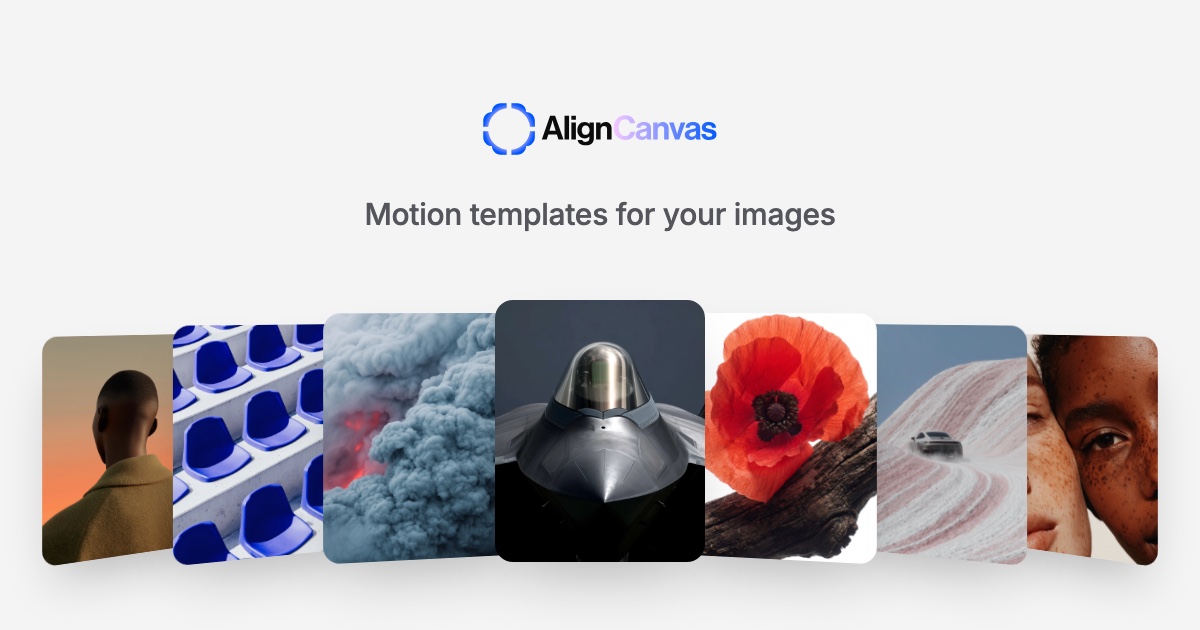
104 templates, nine moods
From quiet galleries to a self-solving Rubik’s cube. Hover a tile to see it move.
Three steps, no timeline
Pick a template
Browse the nine categories and choose the motion that fits your work.
Drop in your images
Drag photos onto the canvas. Tune the look, camera and timing with live controls.
Export
Download a seamless loop as MP4, WebM or GIF, or as stills and image sequences.
A motion studio in a browser tab
Real 3D
Cards live in a real 3D scene: rings, spheres, cubes, knots and tunnels, with a camera you can turn.
Liquid glass
Glass edges, a floating lens and frosted refraction that bend your images like real glass.
Seamless loops
Every template ends exactly where it starts, at any length you choose.
Full control
Pose, tilt, displacement, waves, easing and animation-in on every template, plus its own controls.
Private by design
Rendering happens on your device. Nothing is uploaded, ever.
Every format
MP4, WebM, GIF, PNG, JPEG, WebP and image sequences, with transparent backgrounds.
Free to create. Pro for 4K.
Every template and control is free. Upgrade when you need bigger exports.
Free
A free account to export.
- All 104 templates and every control
- MP4, WebM, GIF, PNG, JPEG and WebP
- Exports up to 1080p
- Seamless loops at any length
- Your images stay on your device
Pro
Founding price for early members, locked in for as long as you stay.
- Everything in Free
- 4K and custom-size exports
- Higher-resolution stills and image sequences
- Early access to new templates
- Support the people building AlignCanvas
During the launch week everything, including 4K, is free. No card needed.
Questions
Is AlignCanvas free?
Yes. Every template, control and export format is free, up to 1080p. A free account is all you need to export. Pro adds 4K and custom-size exports.
Do my images get uploaded anywhere?
No. Everything renders in your browser, on your device. Your images never leave your computer.
What can I export?
MP4 and WebM video, GIF, PNG, JPEG and WebP stills, and PNG image sequences. Loops are seamless, so the end flows straight back into the start.
Which browsers work?
Chrome, Edge and recent Safari support everything. Video export needs WebCodecs; GIF and image export work in any browser with WebGL2.
Can I cancel Pro?
Any time, from your account. You keep Pro until the end of the period you paid for.
Can I use what I make commercially?
Your exports are yours. Use them for clients, products, social posts and portfolios.
Make something that moves
Open the studio, pick a template and drop in your images. Your first export takes about a minute.
Create Motion